
What is Live Chat?
Live Chat is a built-in messaging feature available through the Client Portal. Instead of relying on separate email threads or external messaging platforms, you and the case participants can communicate directly inside ADR Notable.
Messages remain connected to the Case, making it easier to track conversations and maintain organized records.
What Can Live Chat Be Used For?
Live Chat can be used for a variety of case-related communications, including:
- Asking procedural questions
- Sharing updates with participants
- Requesting missing documents
- Clarifying scheduling details
- Communicating with attorneys or parties
- Providing status updates throughout the case
For the User
ADR Notable users can start both a 1:1 chat with a single party as well as a group chat with all parties inside a case.
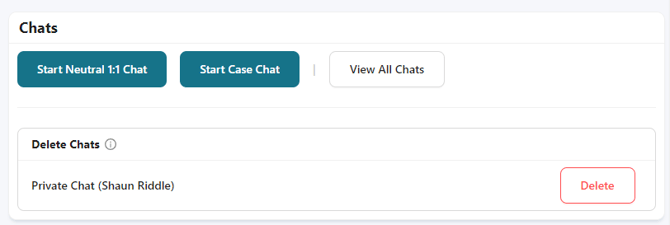
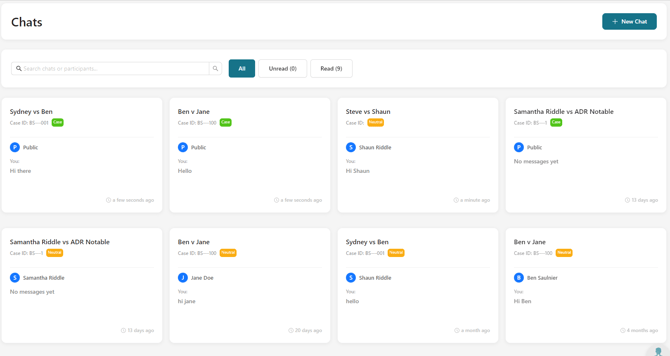
All Chats can be accessed in the Chats tab on the left-hand side navigation menu.
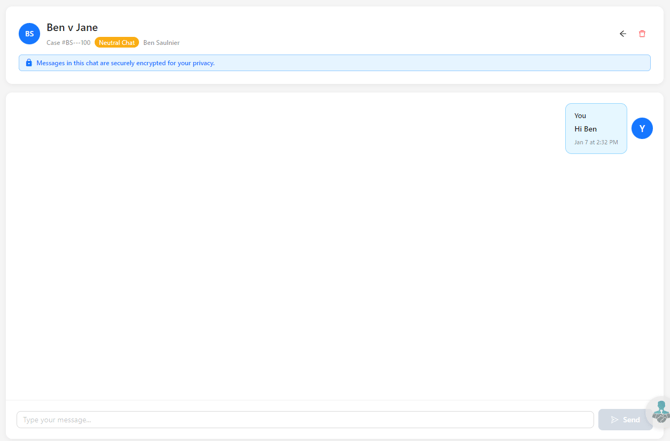
The Chat function works in real time so once you send a message, the party will immediately see it in their chat box in the client portal (and vice versa). It's like live texting!