
If you service a client across multiple cases, you can compile their billables onto a single invoice in ADR Notable rather than sending multiple individual bills.
Create billables in the cases for the client like usual but don't go through the typical invoice process.
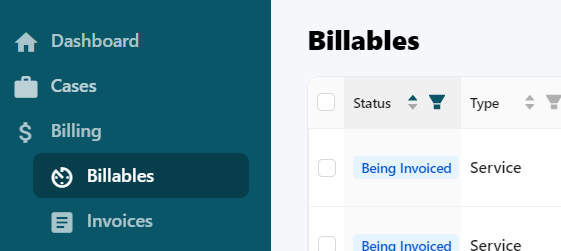
Once all billables are ready, navigate to the global billing section on the left-side navigation panel and select Billables.
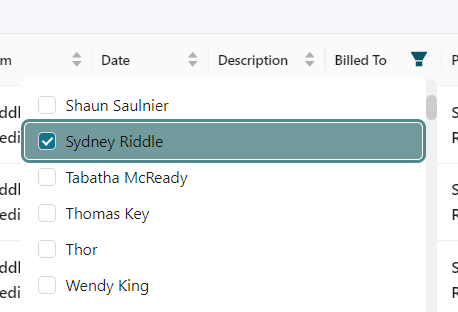
Use the filter on the Billed To column and select the client.
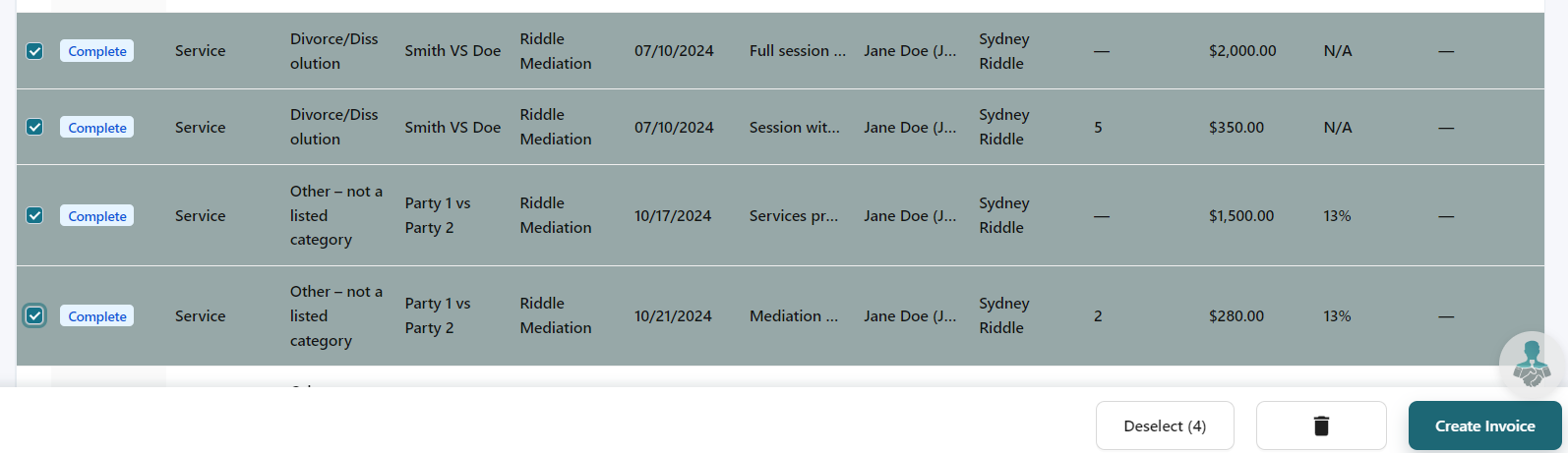
Check all applicable billables and click Create Invoice.
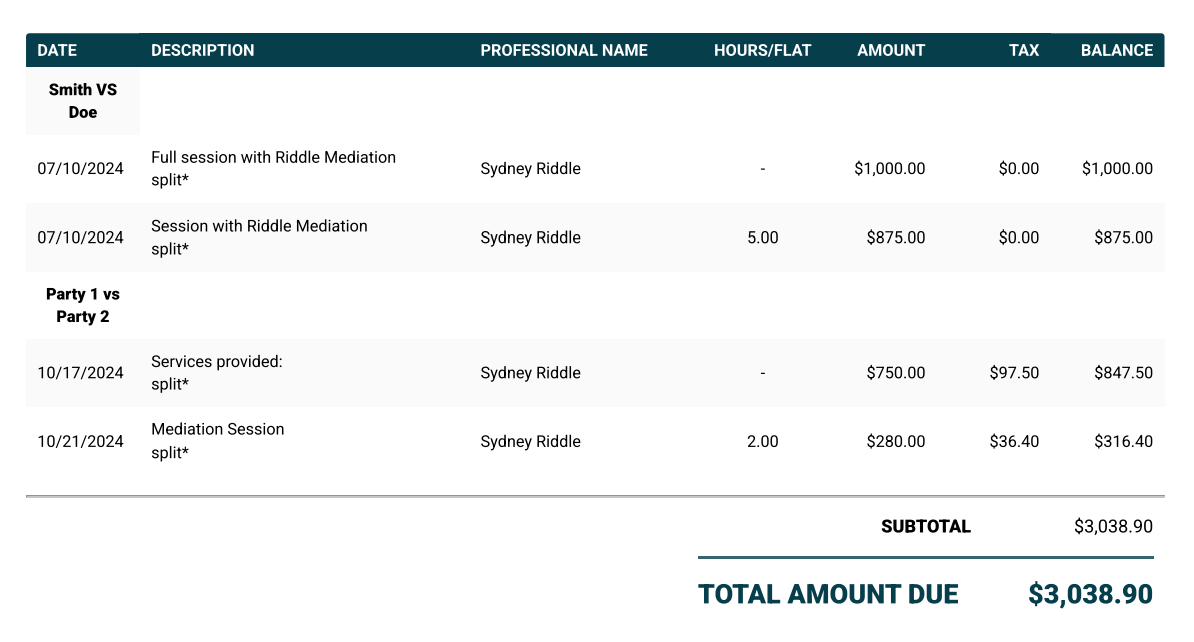
Go through the Standard Invoicing process. The billables will be separated by the case on the invoice with their descriptions.
When the client pays, the invoice will be recorded in each case and marked as fully paid.